Affordable WhatsApp Tools for Small Business Growth
Small businesses usually have limited resources, and often do not have time to manage countless different responsibilities. Owners usually have to wear multiple hats to make sure the business thrives. This can lead to…
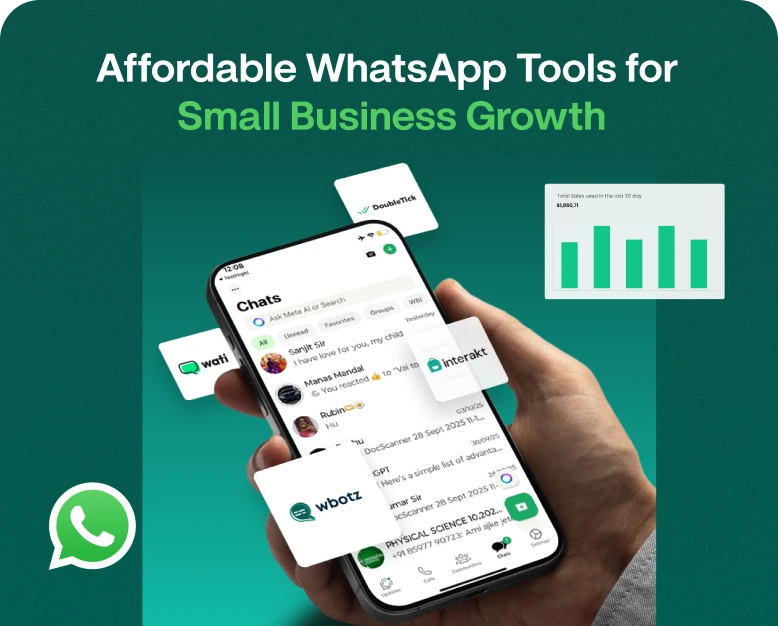
Small businesses usually have limited resources, and often do not have time to manage countless different responsibilities. Owners usually have to wear multiple hats to make sure the business thrives. This can lead to burn out. One of the most valuable resources for a small business is time. This is especially true for small businesses that use WhatsApp to communicate with customers. Managing all the business messages on WhatsApp can take a lot of time.
There are a number of affordable WhatsApp tools that can automate different processes. They allow small businesses to organize customer conversations and execute different business processes such as marketing campaigns and lead management all within WhatsApp.
Not every small business has the resources to hire a large marketing or support team. This is where some affordable WhatsApp tools can help by organizing conversations and managing leads.
Not all WhatsApp tools offer the same features. Some tools focus on chatbots, shared inboxes, customer relationship management (CRM), and marketing automation. This makes choosing the right tool for your business tough, since most small businesses do not need all of the features offered by some tools.
In this article, we will discuss the best types of WhatsApp business tools and their features. We will look at the benefits, pricing, and how to pick the right tool to maximize business growth.
What Are WhatsApp Tools?
WhatsApp tools are software that allow businesses to organize customer communication and other business activities within the WhatsApp platform.
- Contact management and audience segmentation.
- Scheduled messages and follow-up reminders.
- Campaign analytics and reporting.
- Lead gen and customer engagement automation.
Let’s say you own an online clothing store. There are commonly asked questions about a product’s availability and delivery, charges, payment methods, and the store’s return policy. You can automate frequently asked questions on WhatsApp, allowing your sales team to focus on higher priority customers.
These tools are particularly helpful for small and medium businesses to automate customer communication without making major investments in the process.
Why Do Small Businesses Need WhatsApp Tools?
Businesses can use WhatsApp to communicate with their customers, as this platform is free and already familiar to users. However, the volume of customer conversations eventually becomes unmanageable.
Here are some benefits of using the right tools for your business.
1. Automate Repetitive Questions
The repetitive nature of some customer queries allows for automation. For example, automation can be set to provide commonly asked information about business hours, prices, and delivery.
This frees up your team to spend time on more valuable customer interactions and increase your close rate.
2. Bulk Messaging
You can use WhatsApp to communicate time-bound offers to a large customer base. Bulk sending features provide a lot of flexibility in the types of messages you can send. These messages can be used to promote seasonal sales, or new items.
- Inform your customers about your upcoming activities and events.
- Notify your customers about important changes to your business.
Use permission-based contact lists and follow WhatsApp’s policies to ensure you are using best practices. Send bulk messages only to approved contact lists and do not send messages to customers who have opted out.
3. Improve Customer Support
Customers notice when businesses are responsive to their concerns.
Efficient customer support hinges on many factors such as response times, employee availability, and workloads. The limits of the conventional support system mean that a single team member may become a central point of contact, which can result in missed customer support requests.
Through WhatsApp, you can connect customers to the most appropriate support teams, sales reps, or help desk employees. This better coordinates your team, and lessens the burden on your most connected employee.
4. Improve Lead Management
After an inquiry or sale has occurred, following up on a lead to determine status becomes critical. WhatsApp CRM helps organize customer data and follow up conversations, including lead nurturing.
5. Better Customer Retention
Great customer retention strategies hinge on staying in touch with your customers, and sending them relevant messages. You can use WhatsApp to notify customers of order shipments, remind customers of appointments, and inform them about related products and services.
Most Effective and Inexpensive WhatsApp Tools for Small Businesses
Different businesses have different communication needs. Before purchasing a communication platform, you must assess which tool gives you the most value.
1. WhatsApp Bulk Sender Software
A WhatsApp bulk sender enables users to create messaging campaigns to communicate promotional or informational messages to contacts who have opted in to receive messages.
It is a useful tool for retail businesses, schools, event organizers, and service providers, among others.
The following features should be carefully assessed when evaluating a WhatsApp bulk sender software:
- The ability to import and organize contact lists.
- Audience segmentation.
- Message personalization.
- Approved message templates.
- The ability to schedule messages.
- Engagement reports.
When comparing bulk WhatsApp sender software, make sure the provider has an official integration with the WhatsApp Business platform, and does not use unauthorized automation methods.
2. WhatsApp CRM Software
WhatsApp CRM software helps businesses organize their customer information and manage sales communication.
This software can be very helpful if your sales team fields lots of customer inquiries from different marketing channels and needs to manage customer communication effectively.
You should look for features such as:
- Customer information.
- Lead management.
- Conversation history.
- Sales pipeline management.
- Follow-up tasks.
- Contact/lead segmentation and tagging.
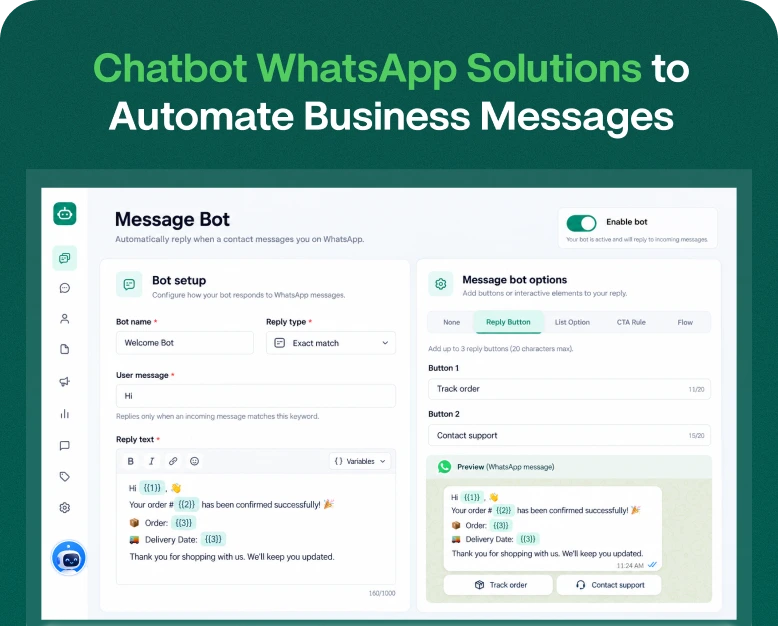
3. WhatsApp Chatbot Software
A WhatsApp chatbot can be programmed to automatically provide common information to customers and help customers navigate through a predefined communication flow.
Restaurants can utilize chatbots to share their menus, provide their location, and gather reservation requests.
To be useful, a chatbot solution must have an easy to use workflow builder, custom messages, the ability to pass the conversation to a human, and integration options.
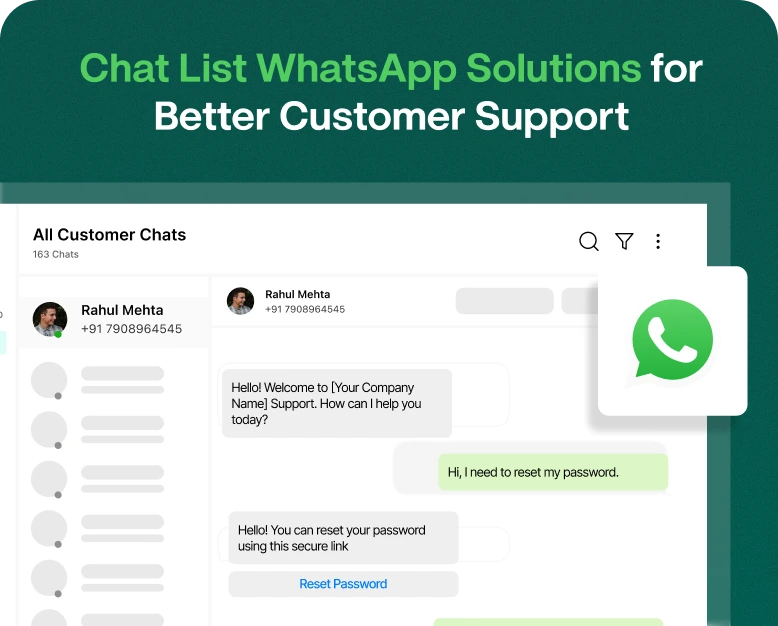
4. WhatsApp Multi-Agent Inbox
A WhatsApp multi-agent inbox allows customer support representatives to handle conversations in a shared interface.
This is particularly useful for businesses with separate sales, marketing and customer support teams.
Look for features like assignment of conversations, internal notes, permissions of agents, management of teams, and tracking of conversations.
5. WhatsApp Marketing Automation Tools
These tools allow companies to automatically send messages based on customer activity or preferences.
Some examples include sending messages to new customers, following up on leads, reminding customers of appointments or notifying customers of orders.
To enhance customer engagement, schedule promotional messages or launch campaigns to re-engage customers.
Choose a platform that doesn’t overly complicate campaign management to perform basic automation workflows.
Important Features to Look for Before Buying WhatsApp Tools
Not all affordable solutions offer the same features. A lower price doesn’t necessarily mean the tool is a good fit for your business.
Consider the following features before making a purchase.
Integration with WhatsApp Business Solution
This is essential if you want to use WhatsApp for business communication at scale.
Examine if the provider uses the official WhatsApp Business Solution and adheres to the messaging policy.
Check if they obtain template approvals, adhere to windows of customer messages, and comply with other policies.
User-Friendly Interface
A complicated interface can turn simple processes into complex ones.
Go with the service that enables your employees to manage contacts, campaigns, conversations and reports without requiring excessive IT knowledge.
Automation and Scheduling
Automating repetitive communication will free up your time to address other important issues. Scheduling gives you the opportunity to plan communication campaigns in advance.
Team Management
If your employees are involved in customer conversations, see if the service offers features to allow you to manage your team, like assigning conversations, changing access privileges and monitoring performance.
Analytics and Reporting
Reports help you assess the return on your communication efforts. Make sure your chosen service provides integration with other services to offer you delivery reports, customer replies, links clicked, campaign engagement and conversion.
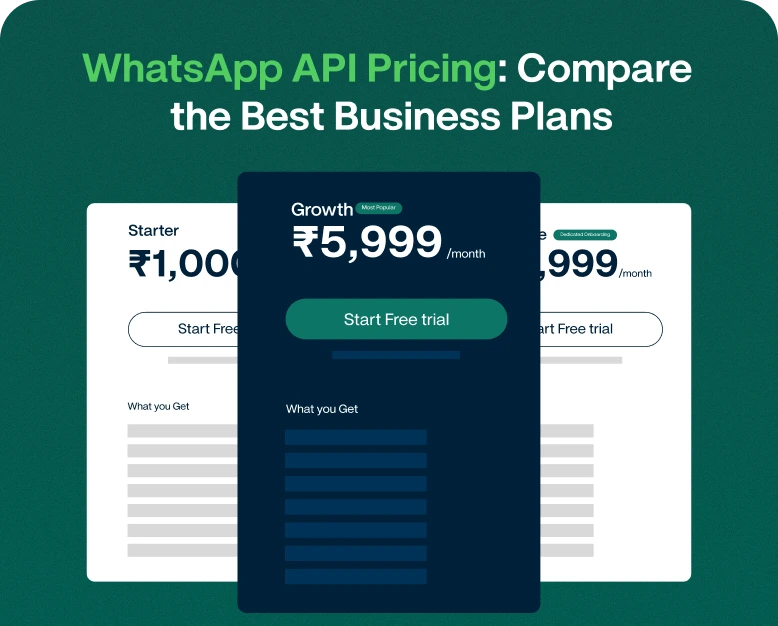
Affordable and Transparent Pricing
Always check the total expected cost for the service. WhatsApp service providers typically charge a monthly or annual subscription, agent support fees and/or integration fees.
How to Choose the Right WhatsApp Tool for Your Small Business
Determining your actual business needs makes it easier to choose the right communication service.
Follow the steps below to determine your needs.
Step 1: Identify Your Business Needs
First, determine what communication challenges you want to resolve. For example, if you want to promote your business, use a bulk messaging service.
If you struggle with customer follow-up, use WhatsApp CRM.
If you receive frequent questions, consider automation through chatbots.
To start, consider the following:
If more than one employee is going to be handling chats, you may want to go with a shared inbox.
If you’re looking to manage the entirety of your customer journey, consider marketing automation.
Not all features need to be contained in the same solution.
Step 2: Set Your Budget
Consider how much you can afford to spend monthly.
Small businesses shouldn’t be purchasing high-end packages that contain features they aren’t going to use.
Make sure you are evaluating the value that the platform is providing in terms of time saved and the overall benefit to your business.
Additionally, you’ll want to consider the fees charged by WhatsApp for messaging, which may be separate from your subscription costs.
Step 3: Evaluate Providers
Decide on a few providers and compare pricing, features, integrations, and the level of support provided.
See if they are offering a free demo or trial, and check if they allow you to test drive the product with a free trial or demo.
Step:4. Review Policies
Review your permissions and policies to make sure you are authorized to send marketing messages, and that you are handling customer data responsibly.
Understand how your business can comply with local laws related to marketing and customer data.
Step 5: Test the Platform
Contact a small group of your customers and test out some of the features.
When you’re ready, you can use the platform for larger campaigns.
Example 1: Clothing and Fashion Store
A clothing store wants to promote its new festive collection.
The business creates segments of customers based on their interests and sends them approved promotional campaigns of which the customers have opted in.
Customers who have questions about the products are assigned to sales representatives through a shared inbox.
Business benefit: More personalized promotions and organized customer conversations.
Example 2. Educational Institute
A coaching institute answers the questions of students about the courses, fees and admission process.
It uses chatbot automation to answer repetitive questions and automated workflows to connect interested students to the admissions team.
The team follows up with students who have requested more information.
Business benefit: Organized lead management and timely response to student queries.
Example 3. Local Service Provider
A home cleaning service receives appointment requests on WhatsApp.
It employs automation to communicate with customers about the services, confirm appointments and send reminders.
The automation is used to confirm appointments and send reminders.
Business benefit: Organized booking process and less repetitive work for the team.
These are practical use cases rather than guaranteed sale cases. Results vary and are dependent on the quality of the service being offered, customer targeting and communication, and follow up process.
Why Wbotz for WhatsApp Business Management?
Wbotz is relevant to businesses interested in integrating WhatsApp marketing and customer conversations to improve efficiencies.
Based on your selected plan and integration, capabilities to assess would be:
- WhatsApp Team Inbox: Manage customer conversations through a shared workspace.
- Multi-Agent Support: Allows different members of a team to address inbound requests.
- Marketing Campaigns: Create and manage promotional communications with eligible contacts.
- Automation: Eliminate the need to engage in repetitive communication by utilizing automated workflows.
- Customer Management: Manage your conversations and customer data.
- Campaign Management: Design and manage campaigns on WhatsApp.
Have the current feature set, WhatsApp integration, usage limitations and pricing in mind when deciding on the subscription best suited to your business.
It simplifies your customer communication and marketing, which is vital for a growing business.
Common Mistakes to Avoid when using WhatsApp Business Tools
All tools have their limitations and a poor result is inevitable if best practices are ignored.
Here are a few common mistakes:
1. Sending messages without permission: Do not use opt-in methods that circumvent customers’ wishes.
2. Choosing a tool due to its low price: Always assess a tool’s features, dependability, and security as well as additional fees.
3. Sending too many messages: Excessive communication leads to high opt-outs.
4. Not addressing customer messages: Communication should be used to start a dialogue rather than to simply make an announcement.
5. Over-reliance on communication bots: Use human agents when a customer’s problem requires it.
6. Failing to review your messages: A campaign should be designed in a way to promote dialogue between a business and its customers. Inform your messaging strategy using data from your campaigns.
Frequently Asked Questions
What are the best WhatsApp tools for small businesses?
The best WhatsApp tools for small businesses will depend on your requirements. Generally, you should look for platforms that allow you to run WhatsApp marketing campaigns, perform bulk messaging, and provide features such as CRM, chatbots, automation, and shared team inboxes. Finally, official WhatsApp integrations and pricing should be considered when making a purchase.
What is WhatsApp bulk sender software?
WhatsApp bulk sender software helps businesses organize and send bulk messages through a supported business messaging integration. It is used for promotional campaigns, important announcements, and other customer updates. However, it is important to comply with WhatsApp’s messaging policies.
Are affordable WhatsApp tools good for a growing business?
Yes. Most affordable WhatsApp marketing tools allow contact management, various forms of automation, team inboxes, and reporting. The important thing is to select a plan that supports your workload and allows for scalability.
Can I automate WhatsApp messages?
Yes. Depending on the platform, you can automate welcome messages, FAQs, appointment reminders, order confirmations, and other messages.
How do I find the right WhatsApp marketing platform?
Compare pricing, supported integrations, contact management, campaign scheduling, customer support, and automation. Choose a platform that solves your problems rather than one with excess, unnecessary features.
Conclusion: Use Affordable WhatsApp Tools to Grow Your Business
Effectively communicating with your customers and investing in organized marketing channels along with consistent follow-ups is essential for growing a business. Manually handling all these functions for a growing customer base becomes a huge challenge.
Most of the day to day tasks related to customer communications can be handled with bulk messaging, CRM, marketing automation, chatbots, and multi-agent inbox.
Prior to buying a platform, evaluate your business requirements, compare subscription costs, see official WhatsApp integration, and play with available features. For communication, start with the biggest problem and address it with available communication tools.
With affordable communication tools available, you can leverage WhatsApp marketing to effectively communicate with your customers. WhatsApp tools can empower your business to have more conversations and strengthen your relationships with your customers. Check out Wbotz and other affordable WhatsApp tools to give your business a communications edge.
Written by
Jayesh Makwana
Part of the Wbotz team, writing about WhatsApp Business API, automation and the campaigns that actually convert.