Your whole team on one number
Sales, support and operations answer the same WhatsApp number at the same time, each with their own login, their own queue and their own permissions. No shared handset, and no conversations lost when someone leaves.

Send bulk messages, automate conversations and manage every customer chat on one secure, official Meta-partner API.
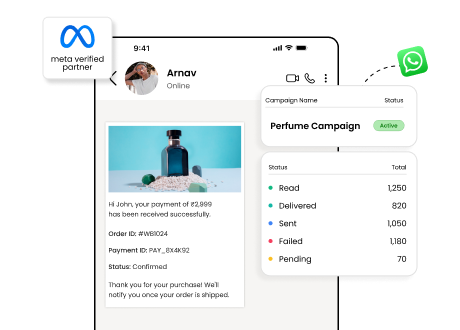
Trusted by growing businesses across India and beyond








Because it is the app your customers already keep open. Email gets filtered, calls go unanswered and SMS gets ignored, while a WhatsApp message is read within minutes. The official API is what lets a business use that at scale, with several agents on one number and messages that do not get the account banned.
They are two different products with the same green icon. The WhatsApp Business app is a free app that runs on one phone, for one person answering messages by hand. The WhatsApp Business API has no app at all: it connects your systems to WhatsApp, so a team can work one number and your software can send the messages.
| Capability | WhatsApp Business API | WhatsApp Business app |
|---|---|---|
| Several people working the number at once | Yes | No |
| Runs without a phone being switched on | Yes | No |
| Send to thousands of opted in contacts | Yes | No |
| Automated chatbots and message flows | Yes | Limited |
| Connects to your CRM, store and helpdesk | Yes | No |
| Eligible for the verified green tick | Yes | No |
| Campaign, delivery and agent reporting | Yes | Limited |
| Message templates reviewed by Meta | Yes | No |
| Free to use, with no per message charge | No | Yes |
Which one do you need? If one person answers every message and you never send campaigns, the free app is enough and you should stay on it. The moment you need a second person on the number, an automated reply, or a message sent to more than a handful of people at once, you need the API.
What the API changes is not the messaging. It is who can send, what sends without a person, and whether you can prove any of it worked.
Sales, support and operations answer the same WhatsApp number at the same time, each with their own login, their own queue and their own permissions. No shared handset, and no conversations lost when someone leaves.
Order updates, appointment reminders, payment links and FAQ answers go out from your own systems, triggered by the event that caused them. Your team spends its day on the conversations that need a person.
Verified business name instead of an unsaved number, and eligibility for the green tick. In categories where money moves over chat, that is the difference between a reply and a report as spam.
Bulk sending from the free app or an unofficial gateway gets numbers banned. The official API is built for volume, with opt in and template rules that keep the account in good standing.
Delivery, reads, clicks, replies and opt outs per campaign, plus response and resolution times per agent. You can decide what to send next on evidence rather than on instinct.
Meta prices each message and Wbotz passes that through at cost. Marketing messages to India are ₹0.8631 and utility messages ₹0.1150. Most platforms resell these as credits at 15% to 30% above the Meta rate.
API access on its own is a set of endpoints and a rate card. These are the four things teams put on it in their first month.
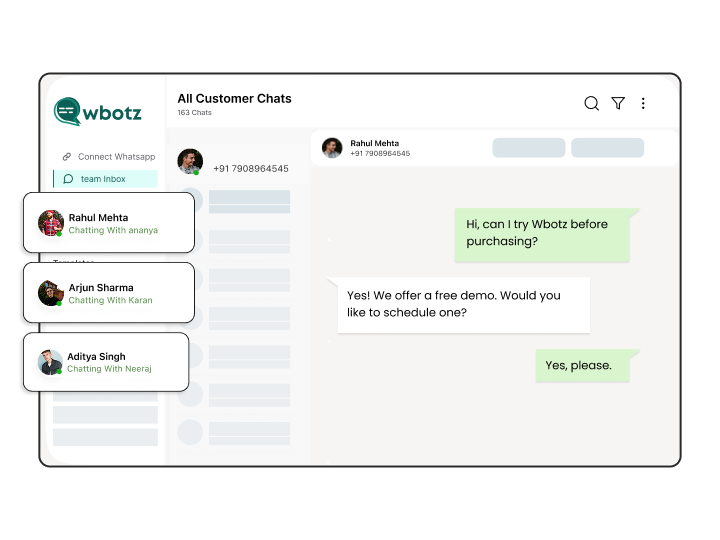
Sales, support and operations work the same WhatsApp number at the same time, each with their own login and their own view of who they are responsible for.
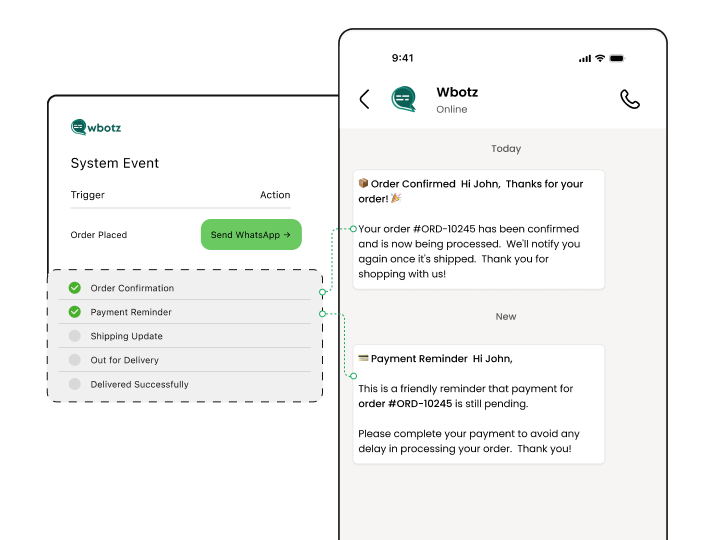
Order confirmations, payment reminders, ticket updates and delivery alerts go out from the systems that already know about them, through the API, without anyone typing.
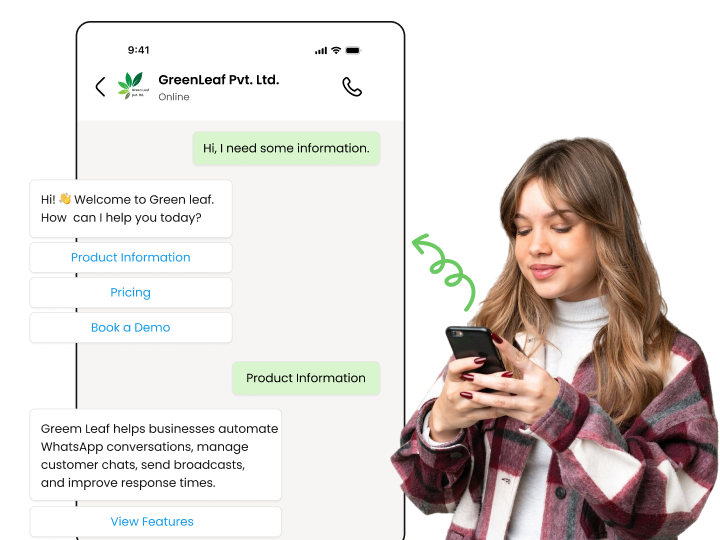
Chatbots and flows handle the questions and forms that make up most of your inbound volume, and pass anything they cannot finish to a person.
Wbotz is a Meta partner, so your access is the official one. Your business name shows instead of a number, and you are not risking a ban on an unofficial tool.
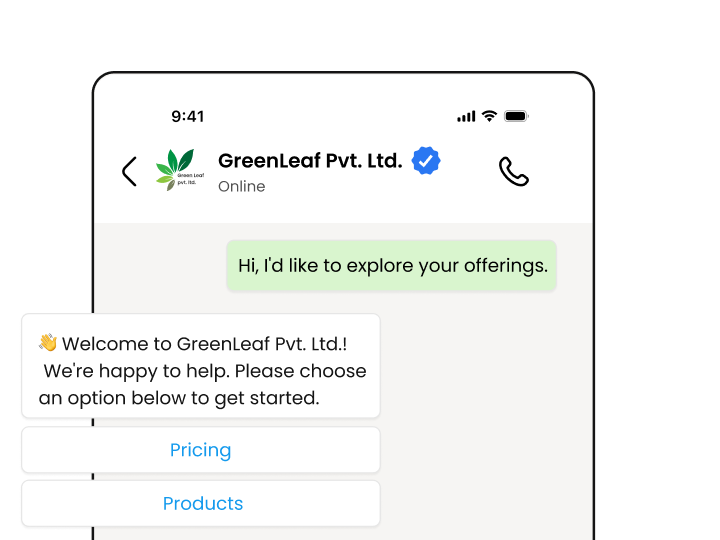
The API is the same everywhere. What changes is the job it does: booking site visits for a developer, order updates for a store, appointment reminders for a clinic. Pick your industry to see the workflows and the message templates that go with it.
Any Meta partner can get you access. What differs afterwards is what you are charged per message, and whether anyone helps you get live.
We earn from the platform subscription, not from your message volume. A heavy campaign month raises your Meta bill and leaves your Wbotz bill where it was.
See the rate tableBusiness verification, number setup and the green tick application are handled by an onboarding manager, not left to you and a documentation page.
See green tick verificationAPI access on its own is a set of endpoints. Every Wbotz plan includes the CRM, chatbot builder, broadcasts and shared inbox that turn it into something your team can use on day one.
See what each plan includesNo per contact fee and no conversation cap on any plan, so your platform cost does not move as your audience grows.
Compare plansMost businesses are live within a few days. The timeline depends on how quickly Meta approves your business verification, and you can start the 14 day trial while it runs.
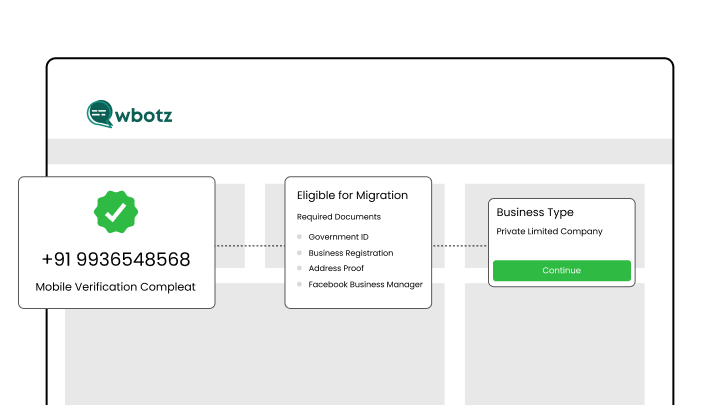
We check the number is free to migrate and confirm which documents Meta will want for your entity type.
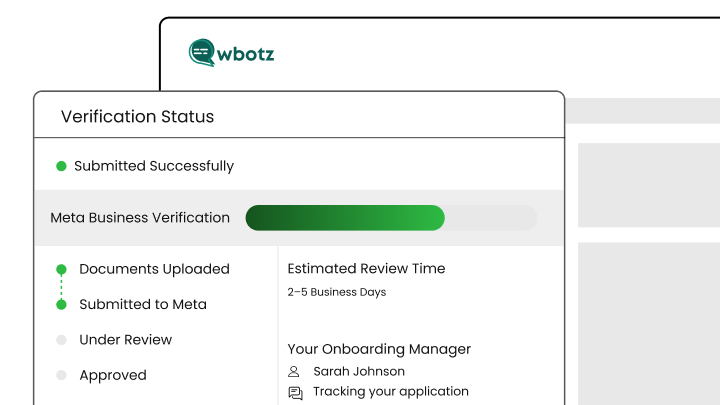
Your onboarding manager prepares and files the business verification, then tracks it through Meta review and answers any queries.
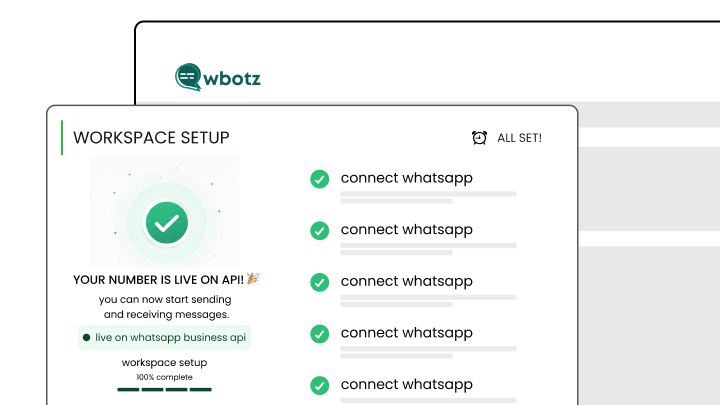
We connect the number, set up your first templates and wire the integrations your team needs.
A live session for the people who will actually work the inbox, then you send your first campaign with us watching.
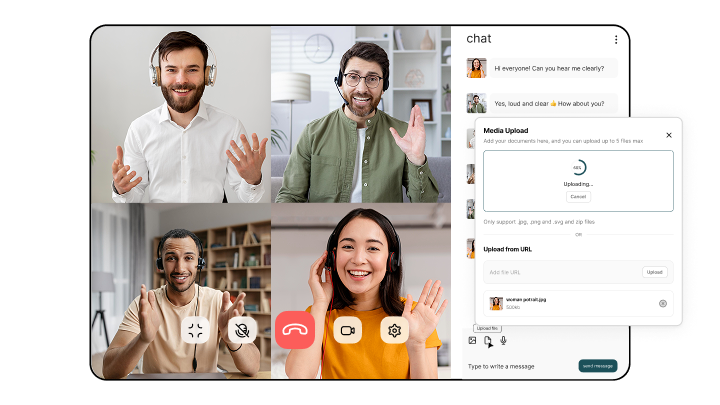
An onboarding manager takes you through verification, the green tick application and your first campaign. 14 day free trial, no credit card, and no markup on the messages you send.
Access, setup, cost and how the API differs from the free app.
We use cookies to keep the site working and to understand how it is used. Performance, functionality and advertising cookies are only set if you allow them. Read our cookie policy.