






Skip to content

A shared WhatsApp team inbox for sales and support

Let your whole team work one WhatsApp number, assign, reply to and track every conversation in one place.

Trusted by growing businesses across India and beyond

  • ByteNAP Networks
  • ByteWeb
  • cardziAI
  • MG Hospital
  • Mohanlal Tea
  • Origo
  • System Solution
  • Tapect

Key features and functionalities of WhatsApp Team Inbox

The WhatsApp Business app puts your business on one phone. A team inbox puts the same number in front of everyone who needs it, with rules about who owns what.

Everyone works the same number

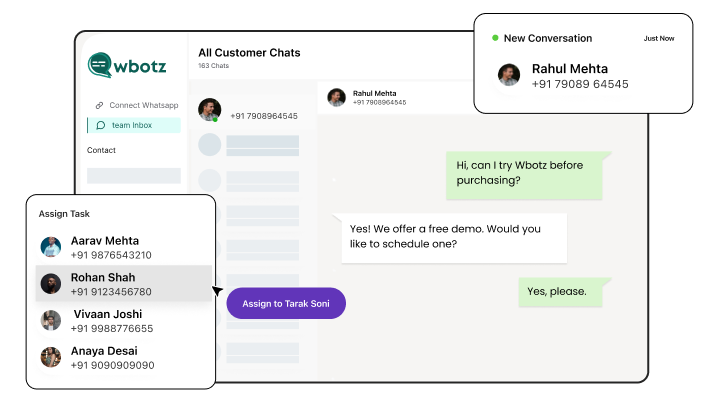
Agents log in from their own device, see the conversations they own and pick up anything unassigned, without a phone being passed around.

  • Individual logins with roles and permissions
  • Assign by product, region, language or round robin
  • Nobody answers the same message twice
  • A rep leaving does not take the conversation with them
Context before you type

The contact record, past orders, notes and the full history sit beside the thread, so nobody asks the customer to explain again.

  • Full history from every agent who has spoken to them
  • Internal notes and mentions that the customer never sees
  • Tags and custom fields visible while you reply
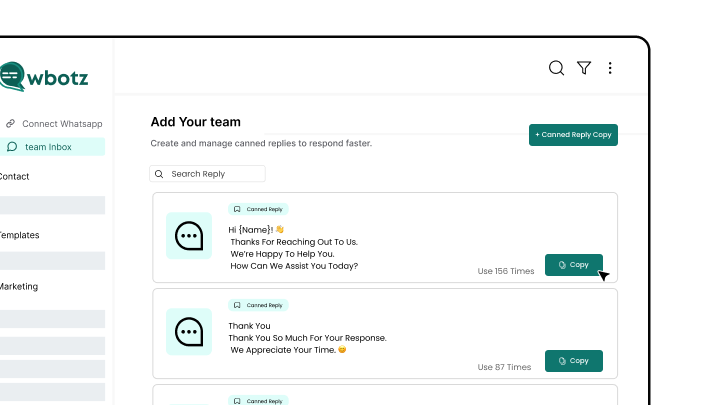
  • Canned replies for the answers you send daily
See WhatsApp CRM

The bot does the first pass

Automation answers the repetitive questions and collects details, then hands over with everything already gathered.

  • Escalate on a keyword, a failed answer or a request for a person
  • Out of hours cover with a real answer, not silence
  • The agent inherits the whole thread and the collected fields
  • Anything inside 24 hours of their message is free to send
See the WhatsApp chatbot

See how the team is actually doing

Response times, resolution, load per agent and what is sitting unanswered, per day and per team.

  • First response and resolution time per agent
  • Volume by hour, so you can staff the peaks
  • Unassigned and ageing conversations surfaced
  • Export or pull the numbers over the API
See WhatsApp analytics

Benefits of using WhatsApp Team Inbox

What changes once this is running, as opposed to what it does.

  • No conversation answered twice Assignment and ownership mean two agents never reply to the same customer with two different answers.
  • Faster first response The queue is visible, so managers can see what is ageing and staff the hours that actually get busy.
  • Knowledge stays with the business History, notes and context live on the account, not on a departing employee phone.
  • Support that costs nothing to run Replies inside the 24 hour service window are free under Meta rules, and conversations are unlimited on every plan.

Why build WhatsApp Team Inbox with Wbotz

Plenty of platforms will sell you this feature. These are the four things that differ once you have signed.

No markup on your message charges

Meta charges ₹0.8631 for a marketing message to India and that is what reaches your invoice. We earn from the subscription, not from your volume, so a heavy month raises your Meta bill and leaves ours where it was.

See the rate table

Official Meta partner, not a workaround

Your number runs on the official WhatsApp Business Platform, is eligible for the green tick, and is not at risk of the bans that come with unofficial bulk senders.

See the WhatsApp Business API

Someone sets it up with you

An onboarding manager handles business verification and the green tick application, then runs live training for the people who will actually use it. That is included, not an upsell.

Talk to onboarding

Included on Starter, Growth, Enterprise

Not a module you buy separately. The CRM, chatbot builder, broadcasts and shared inbox come with every plan, from ₹1,000 a month billed annually, with unlimited contacts and conversations throughout.

Compare plans
24 hr
Window in which replying costs nothing
0
Extra charge per conversation on your plan
0 %
Markup Wbotz adds to Meta message charges

How it works

Four steps from a blank account to whatsapp team inbox running on your number. No developer needed.

  1. 01

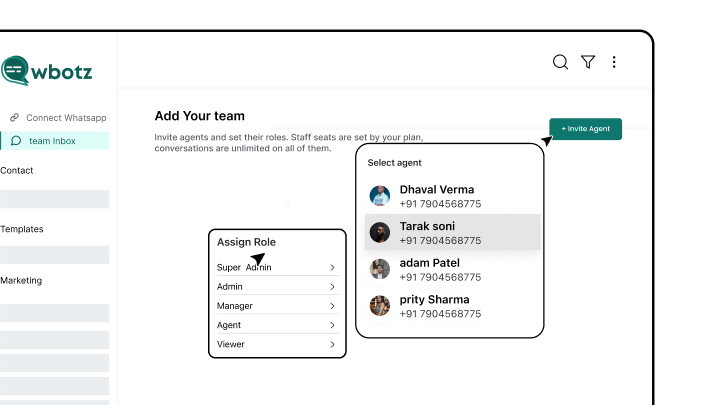
    Add your team

    Invite agents and set their roles. Staff seats are set by your plan, conversations are unlimited on all of them.

    Wbotz screen: inviting agents and setting roles
  2. 02

    Set assignment rules

    Decide who gets what, and what happens to anything nobody claims.

    Wbotz screen: assignment and routing rules
  3. 03

    Load your canned replies

    Save the answers your team types every day so they are one click instead of one paragraph.

    Wbotz screen: canned replies library
  4. 04

    Go live and watch the queue

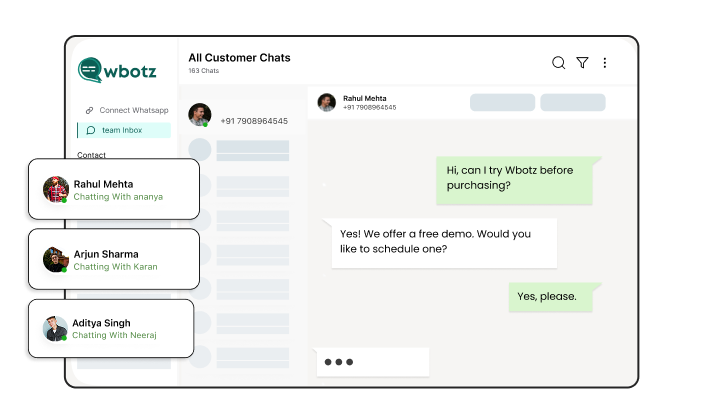
    Work the inbox, and use the report to see where conversations are piling up.

    Wbotz screen: live inbox queue and agent load

Frequently asked questions

What is a WhatsApp Team Inbox?
It’s a shared messaging platform where multiple agents collaborate on customer chats from one WhatsApp number.
How does chat assignment work in the team inbox?
Chats can be assigned manually or automatically based on agent expertise, availability, or workload balancing.
Can team members add internal notes to conversations?
Yes, agents can add private notes to share context or instructions without the customer seeing them.
Is WhatsApp Team Inbox suitable for large teams?
Absolutely, it supports unlimited team members accessing a single WhatsApp number with role-based permissions.
How does the team inbox improve customer support quality?
By centralizing messages, ensuring no chats are missed, and providing full conversation histories for consistent responses.
Can I integrate the team inbox with my CRM?
Yes, integration enables syncing customer data and interaction history for personalized support and unified records.
Are notifications sent when chats are assigned?
Yes, team members receive push alerts so they can respond promptly to assigned conversations.
Does the inbox support multi-device access?
Yes, agents can manage chats from desktops, tablets, or mobile devices, boosting accessibility and flexibility.

Connect everything you already use

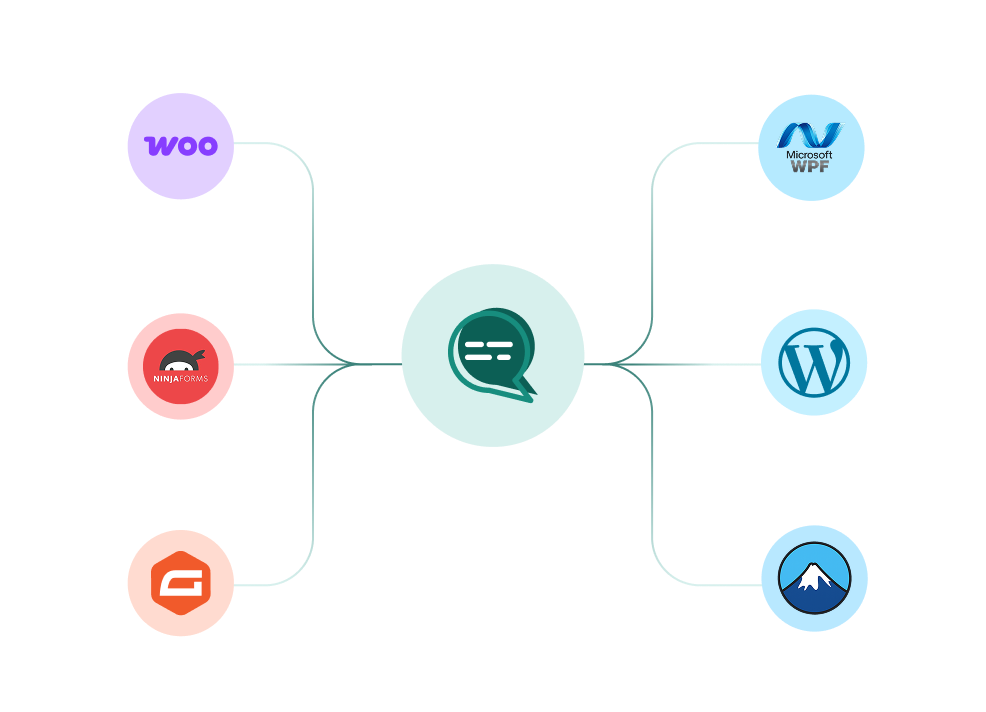
Your CRM, your store, your helpdesk and your forms, joined to the same WhatsApp number. Every plan also ships unlimited REST API calls and webhooks for anything not on the list.

WooCommerce, WordPress, Ninja Forms, Gravity Forms and more connected to a single Wbotz WhatsApp hub
  • WooCommerce
  • WordPress
  • Gravity Forms
  • WPForms
  • Ninja Forms
  • Contact Form 7
  • + REST API & webhooks
Conversations handled on Wbotz
100K+
Conversations answered by chatbots
10K+
Markup added to Meta message charges
0%

Start on WhatsApp without paying a markup on every message

Put your campaigns, chatbot and team inbox on one official WhatsApp number, and pay Meta rates for the messages you send. Setup and green tick support are included.

  • 14 day free trial
  • No credit card required
  • No markup on Meta message charges

Cookie preferences

Choose what we may store on this device. You can change this at any time from our cookie policy, linked in the footer of every page. Your choice is remembered for 180 days.

Questions about this? Email [email protected].