Trusted by growing businesses across India and beyond
Key features and functionalities of WhatsApp CRM
Deals move in WhatsApp and then get typed into a CRM later, badly, or not at all. Wbotz keeps the contact record, the pipeline and the conversation in the same place.
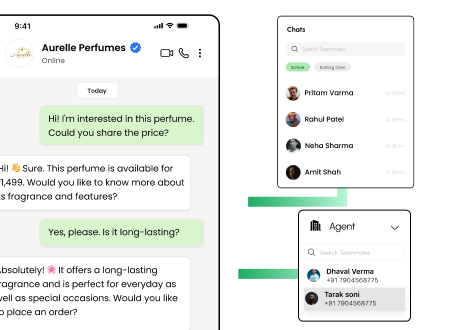
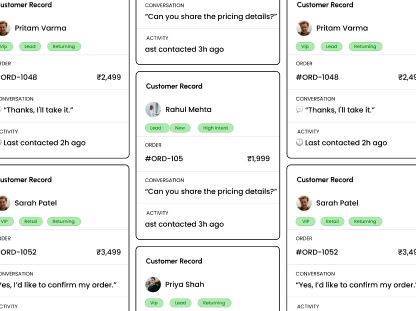
Every contact, with the conversation attached
One record per customer holding their details, their tags, their orders and every message anyone on your team has exchanged with them.
Unlimited contacts on every plan, with no per contact fee
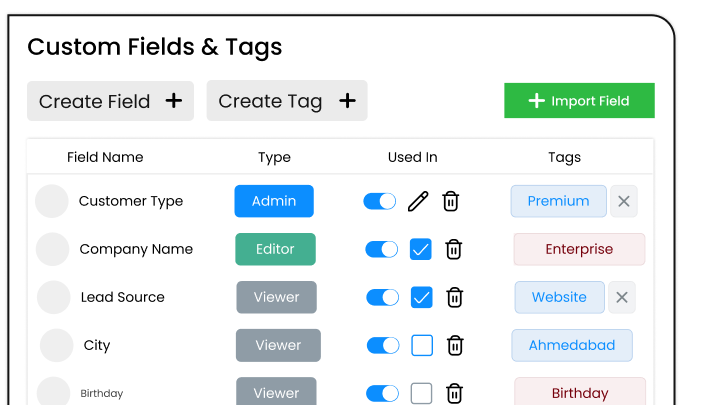
Custom fields for whatever your business actually tracks
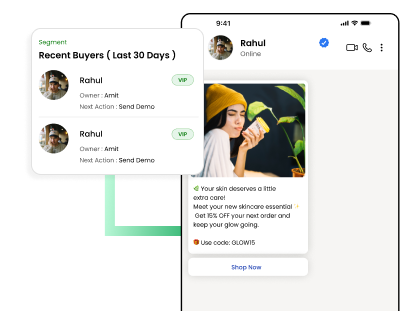
Tags and segments you can broadcast to later
Full history, so a new rep can pick up mid deal
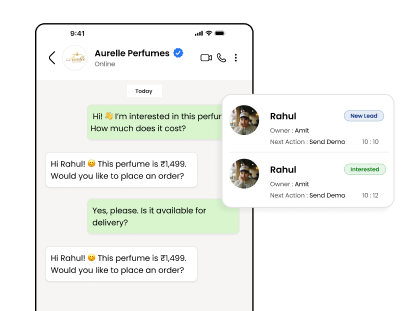
A pipeline that updates itself
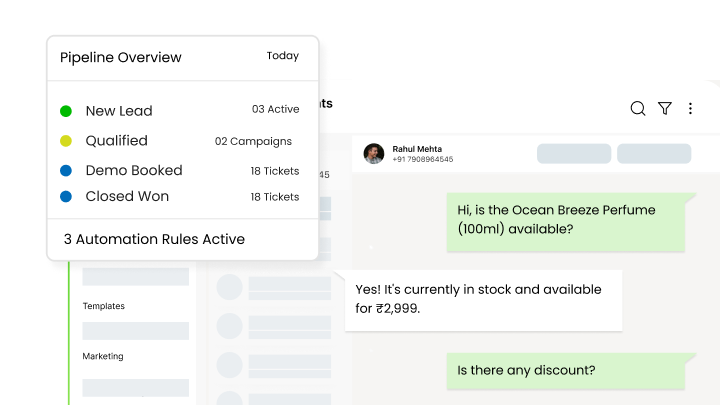
Stages move when something happens in the chat, so the board reflects reality instead of what someone remembered to update on Friday.
Move a deal on a reply, a keyword or a completed flow
What changes once this is running, as opposed to what it does.
Nothing lives only in a chat The conversation, the contact record and the deal stage sit together, so a deal survives the rep who was handling it going on leave.
A pipeline that reflects reality Stages move on what happened in the conversation, not on what someone remembered to update on Friday afternoon.
No cost for growing your list Contacts are unlimited on every plan, so a bigger audience raises what Meta charges to message it and nothing else.
Faster answers for the customer Whoever picks the chat up can see the history and the orders without asking the customer to explain again.
Why build WhatsApp CRM with Wbotz
Plenty of platforms will sell you this feature. These are the four things that differ once you have signed.
No markup on your message charges
Meta charges ₹0.8631 for a marketing message to India and that is what reaches your invoice. We earn from the subscription, not from your volume, so a heavy month raises your Meta bill and leaves ours where it was.
Your number runs on the official WhatsApp Business Platform, is eligible for the green tick, and is not at risk of the bans that come with unofficial bulk senders.
An onboarding manager handles business verification and the green tick application, then runs live training for the people who will actually use it. That is included, not an upsell.
Not a module you buy separately. The CRM, chatbot builder, broadcasts and shared inbox come with every plan, from ₹1,000 a month billed annually, with unlimited contacts and conversations throughout.
What is WhatsApp CRM software and how does it differ from a regular CRM?
WhatsApp CRM software is a specialized platform that integrates WhatsApp conversations directly into your sales and support workflows. Unlike standard CRMs, it syncs messages in real time, automates follow-ups based on chat activity, and provides WhatsApp-centric segmentation and analytics.
Do I need a WhatsApp Business API account to use WhatsApp CRM?
Yes. WhatsApp CRM software requires a WhatsApp Business API connection to ensure message automation, multi-agent access, and higher throughput. Wbotz handles API setup and verification for you.
How do I import and organize my contacts in WhatsApp CRM?
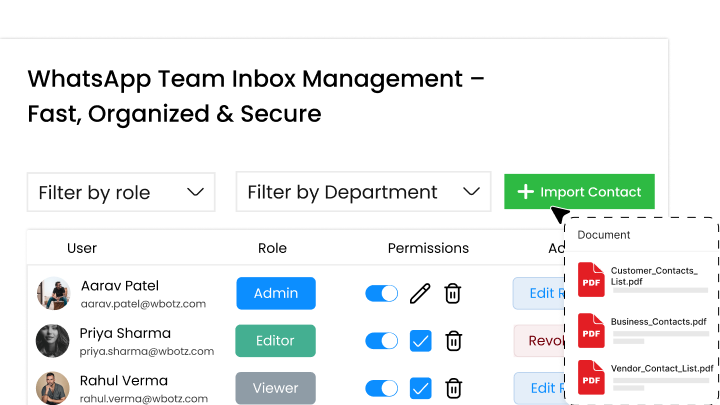
You can import contacts manually, upload CSV/Excel files in bulk, or auto-sync leads via our REST API from your website and ad campaigns. Once imported, create lists and tags, or use custom fields, to segment your audience for targeted messaging.
Can I automate follow-up messages and drip campaigns?
Absolutely. Set trigger-based workflows that send automated thank-you messages, reminders, drip-campaign sequences, or assignment alerts based on chat events, ensuring every lead receives timely, relevant communication.
How does team collaboration work in WhatsApp CRM?
Assign conversations to specific team members, add private notes for context, and use role-based permissions to control access. This ensures a smooth handoff between sales and support, eliminates duplicate responses, and maintains consistent branding.
What analytics and reporting features are available?
Track key metrics, response times, open rates, campaign engagement, and conversion rates, through intuitive dashboards. Export detailed reports to measure ROI and identify opportunities for message optimization and team performance improvements.
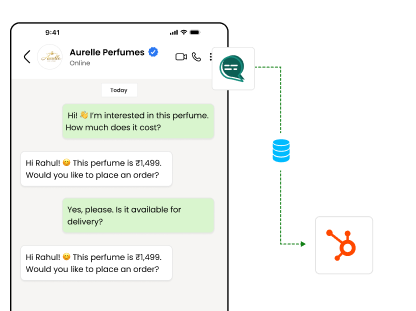
Can I integrate WhatsApp CRM with other marketing and sales tools?
Yes. Wbotz allows data export via CSV and bi-directional sync with third-party platforms through REST API. This keeps your customer data unified across your marketing stack and enables advanced automation.
Is WhatsApp CRM suitable for both sales and customer support teams?
Definitely. Sales teams benefit from lead segmentation, automated nurturing, and real-time chat engagement. Support teams gain a unified inbox, SLA tracking, and canned responses, making WhatsApp CRM an ideal solution for end-to-end customer lifecycle management.
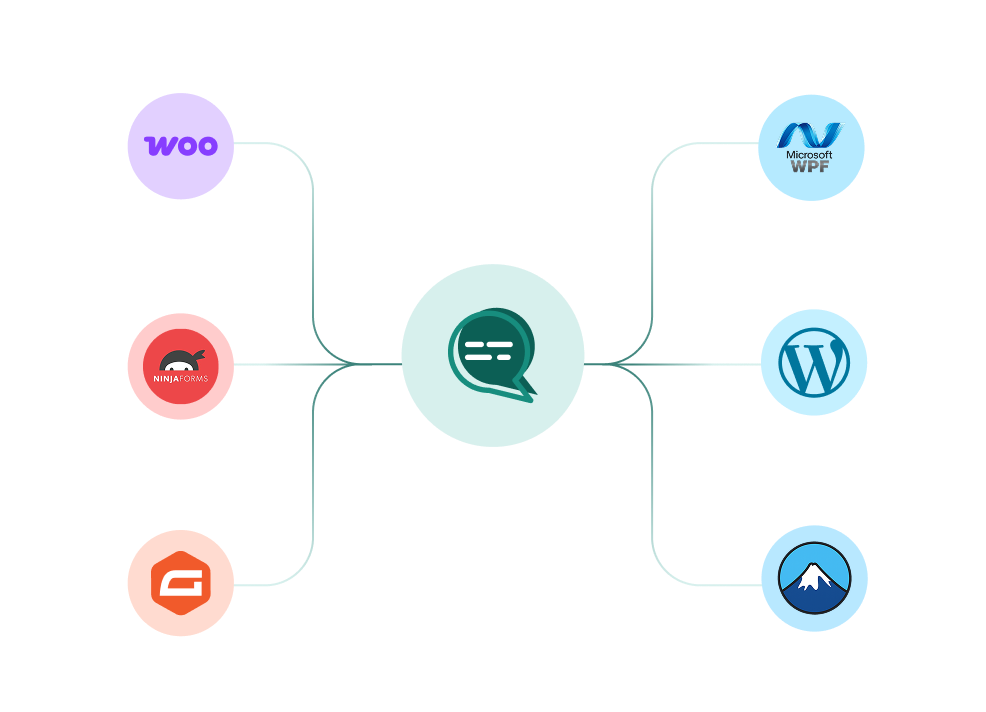
Connect everything you already use
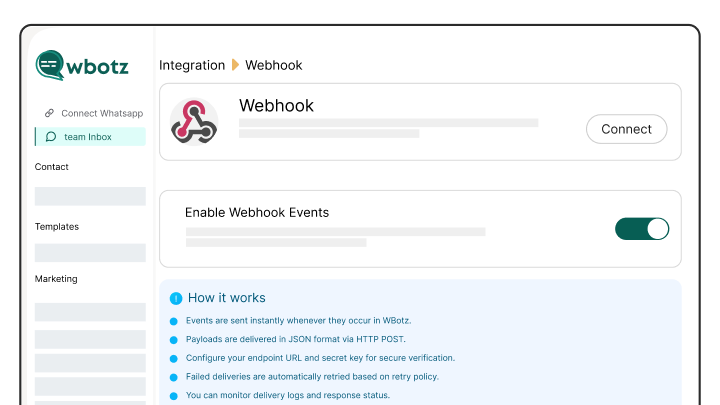
Your CRM, your store, your helpdesk and your forms, joined to the same WhatsApp number. Every plan also ships unlimited REST API calls and webhooks for anything not on the list.
Start on WhatsApp without paying a markup on every message
Put your campaigns, chatbot and team inbox on one official WhatsApp number, and pay Meta rates for the messages you send. Setup and green tick support are included.
We use cookies to keep the site working and to understand how it is used.
Performance, functionality and advertising cookies are only set if you
allow them. Read our cookie policy.