Capture Leads Efficiently with wbotz WhatsApp Lead Capture
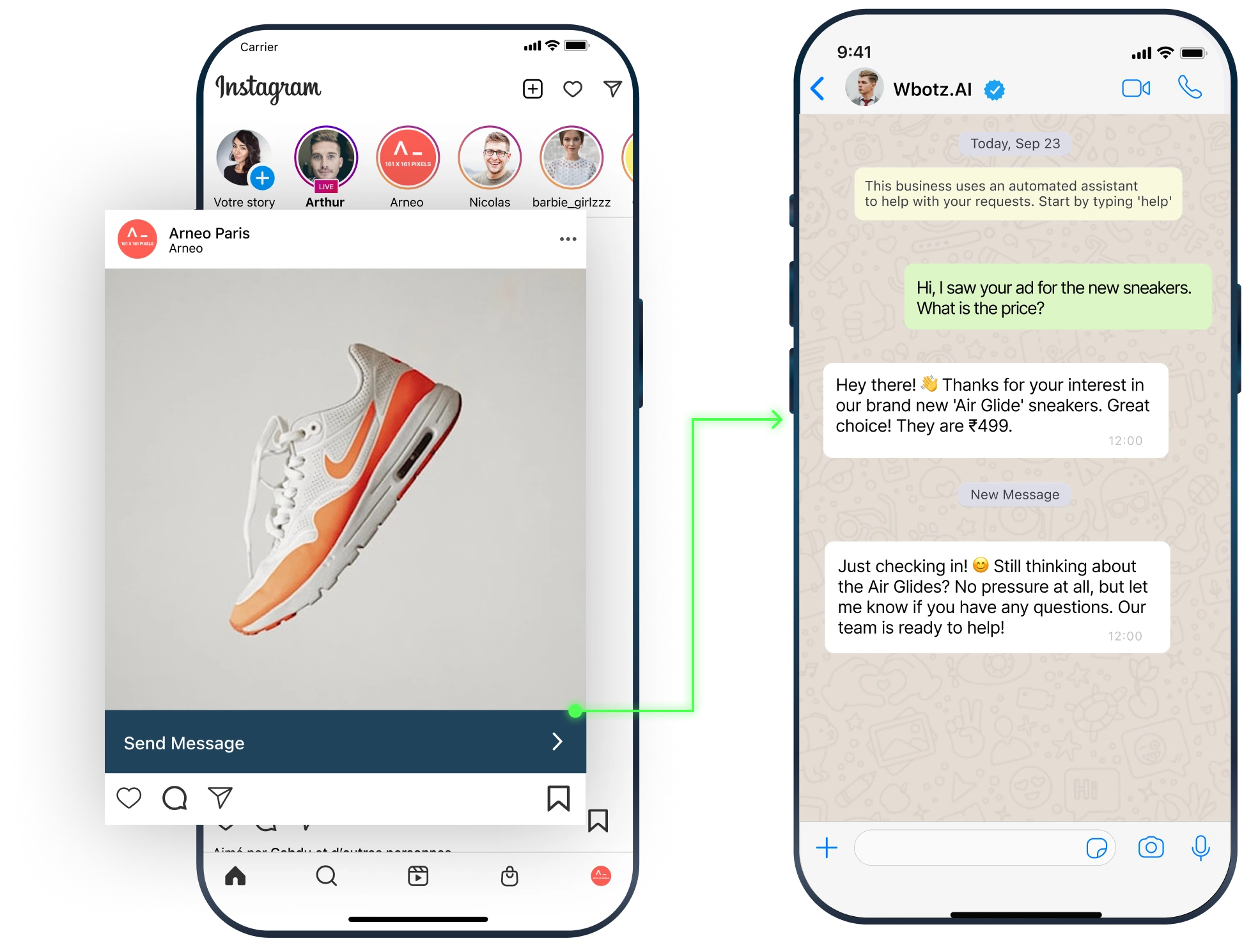
Why Whatsapp?
With the Official WhatsApp API, you can turn these stats into growth—sending actionable notifications, providing instant support, and converting conversations into revenue.
0 %
Open Rates
0 X
Higher Conversions
0 Bn+
Active Users
0 %
Engagement Rates
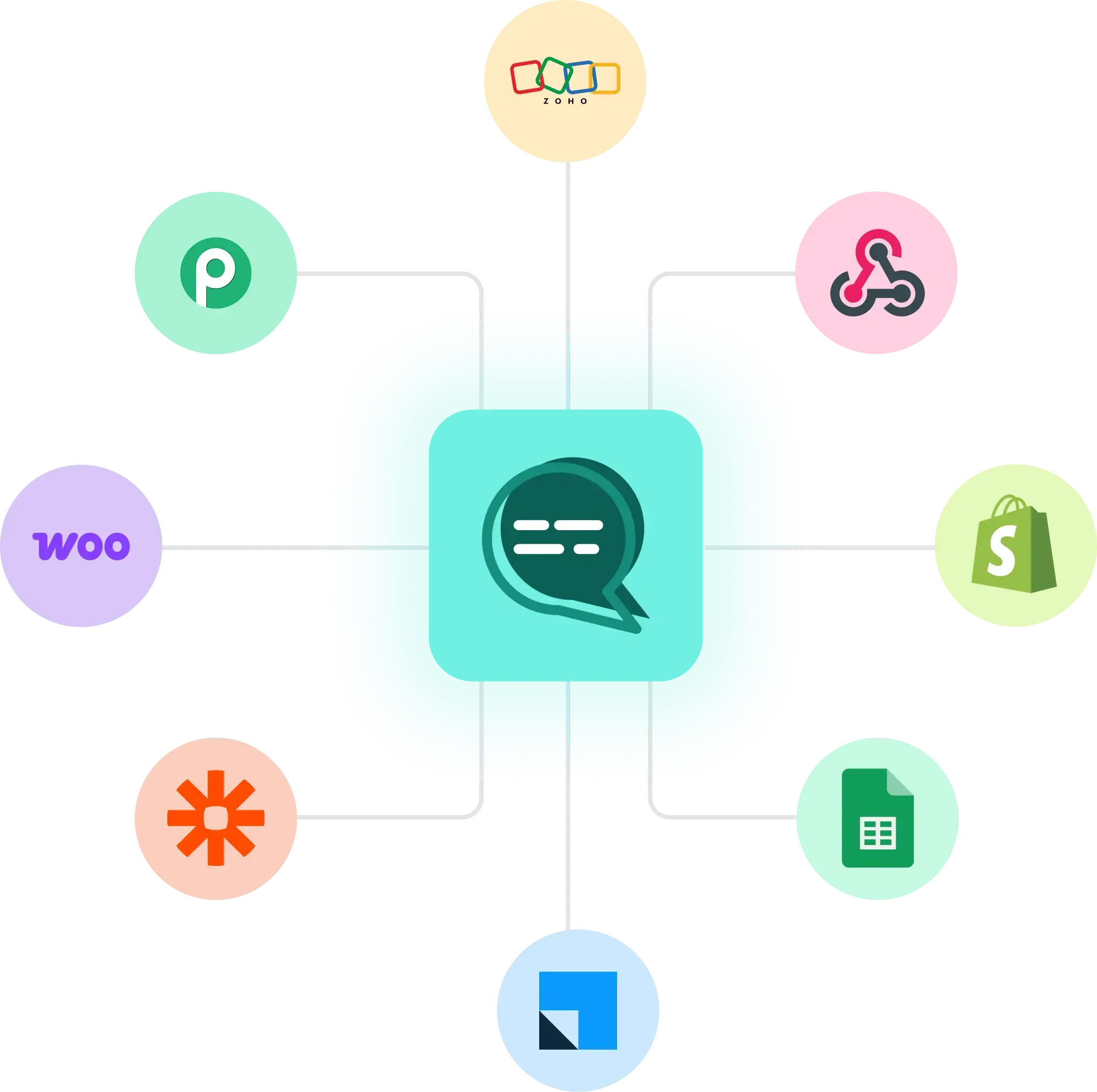
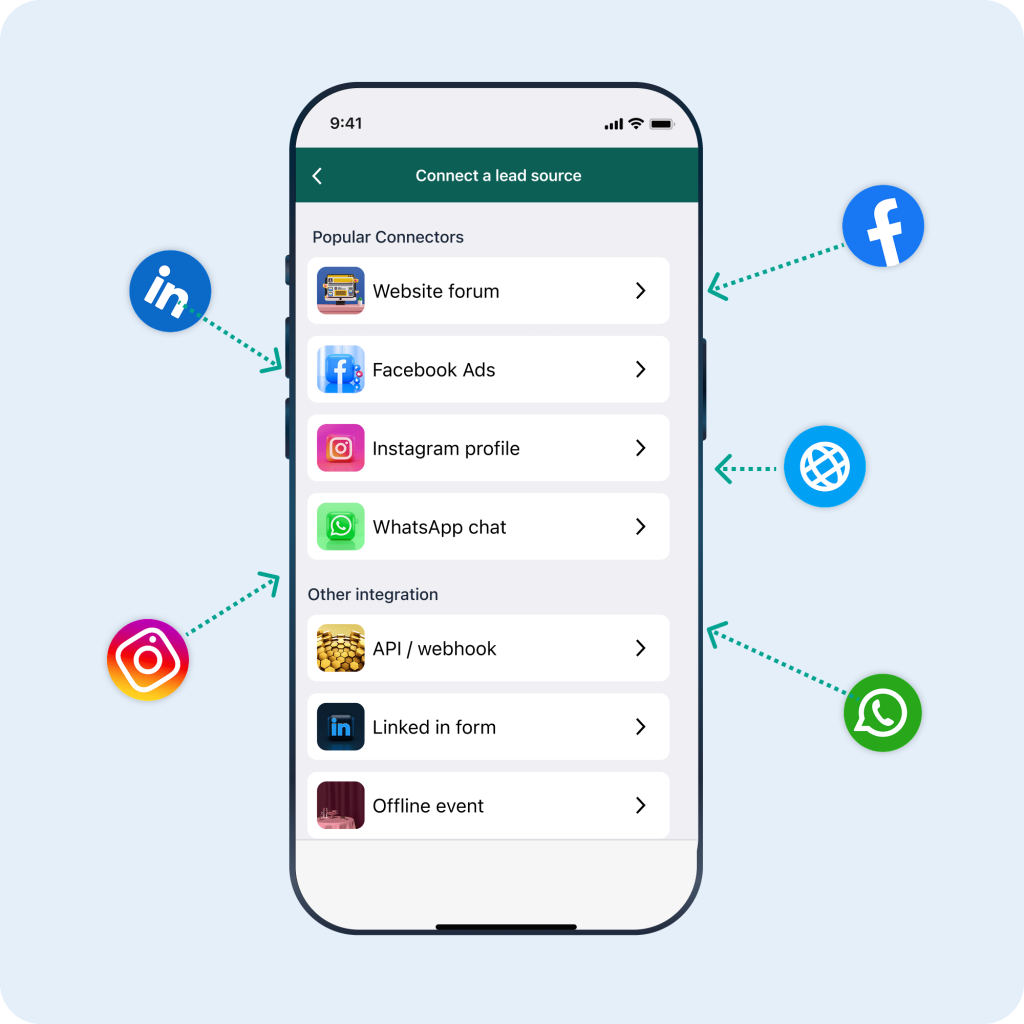
Seamless Lead Collection from Any Source
Smart Forms & Chatbot Data Capture
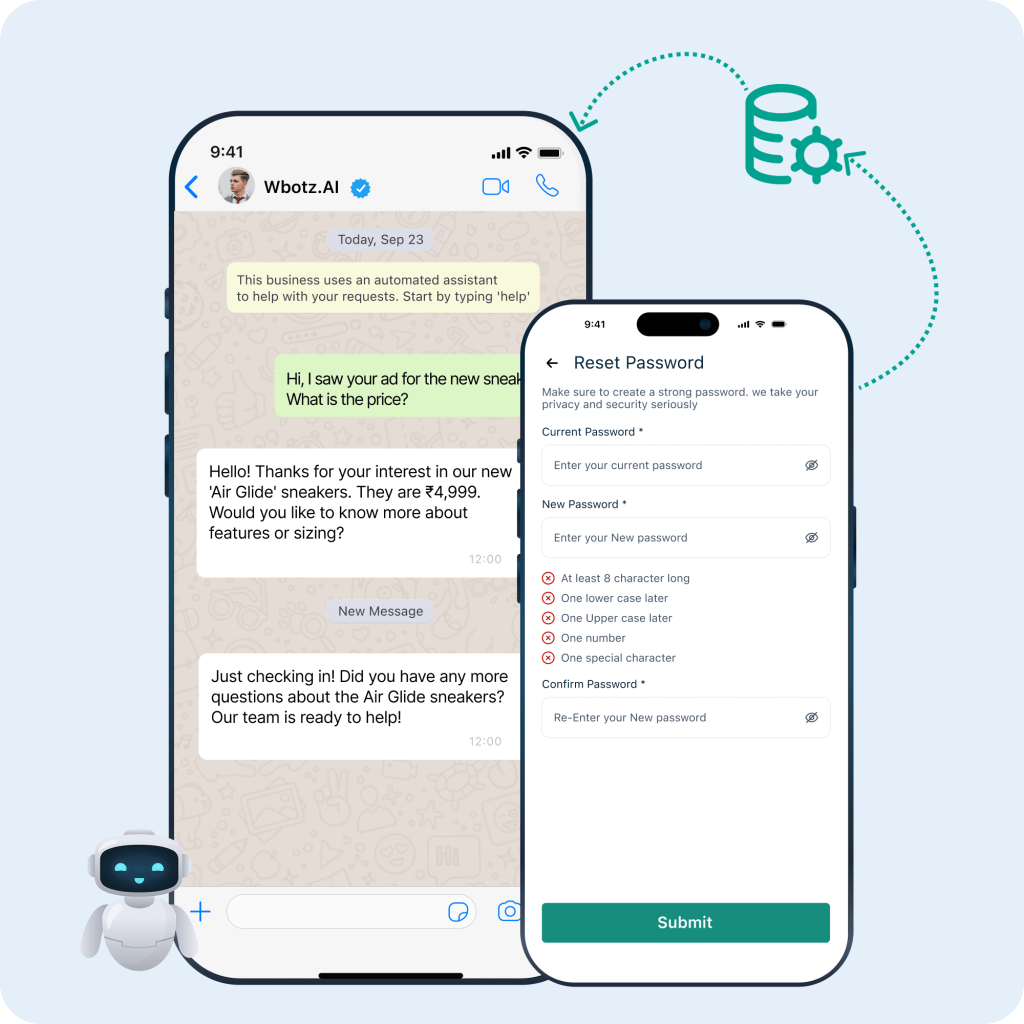
Embed mobile-friendly lead forms or use our conversational chatbots to gather customer details during WhatsApp chats. Automatically validate phone numbers, collect names, emails, and custom attributes, then tag and segment leads in real time.
Automated Workflows & Instant Outreach
Configure rules to trigger welcome messages, appointment reminders, or drip-campaign sequences the moment a lead is captured. Assign new contacts to the right sales reps and ensure no inquiry goes unanswered.
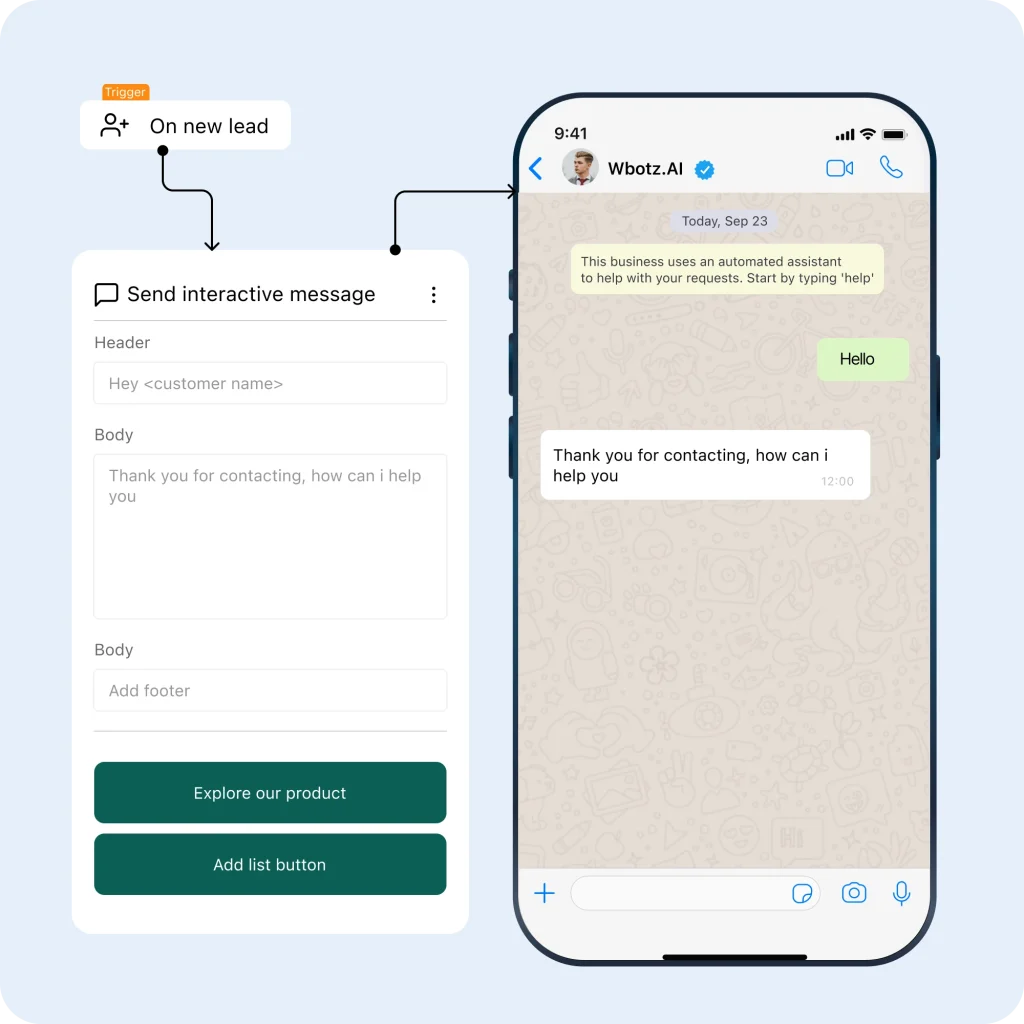
Benefits of using our WhatsApp Lead Capture

100% Lead Capture

Time-Saving Automation

Higher Engagement

Better Qualification

Targeted Campaigns

Team Efficiency
Frequently Asked Questions
1. What is WhatsApp lead capture and how does it work?
WhatsApp lead capture automatically collects contact details from web forms, ads, and chatbots, then imports them into your WhatsApp CRM for immediate follow-up and nurturing.
2. Do I need any coding skills to set up WhatsApp lead capture?
No. wbotz provides ready-made integrations, a simple REST API, and no-code connectors (Zapier, Make) so you can start capturing leads without developer support.
3. Which sources can I capture leads from?
Capture leads from website sign-up forms, landing pages, Facebook and Instagram ads, offline CSV uploads, and any third-party tool that supports API or webhook integrations.
4. Can I qualify leads automatically as they’re captured?
Yes. Use smart forms and chatbots to ask qualifying questions (budget, timeline, preferences) and apply tags or custom attributes in real time for better lead prioritization.
5. How are captured leads organized and segmented?
Leads are automatically assigned to lists and tagged by source, behavior, or custom fields. You can filter by “High-Intent,” “New Inquiry,” or any custom tag for targeted campaigns.
6. Can I send automated messages to new leads?
Absolutely. Configure welcome messages, appointment reminders, or drip sequences to trigger instantly when a lead is captured, ensuring prompt engagement.
7. How do I integrate captured leads with my existing CRM?
Export lead data via CSV or use our REST API to sync contacts and custom fields with Salesforce, HubSpot, or any CRM, maintaining unified customer records.
8. Is WhatsApp lead capture GDPR and data-compliant?
Yes. wbotz ensures all lead capture workflows comply with GDPR and local data protection regulations. You control consent, data storage, and deletion policies within the platform.
Multiple Integration - single dashboard